Why keyboard controls remain useful
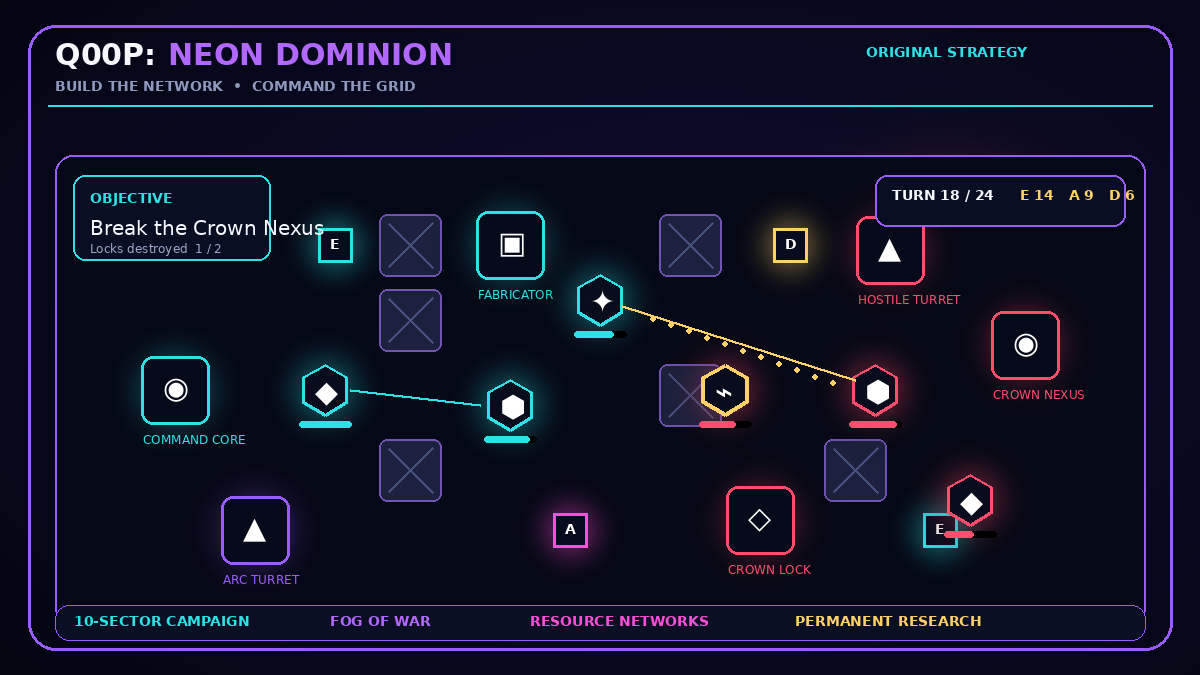
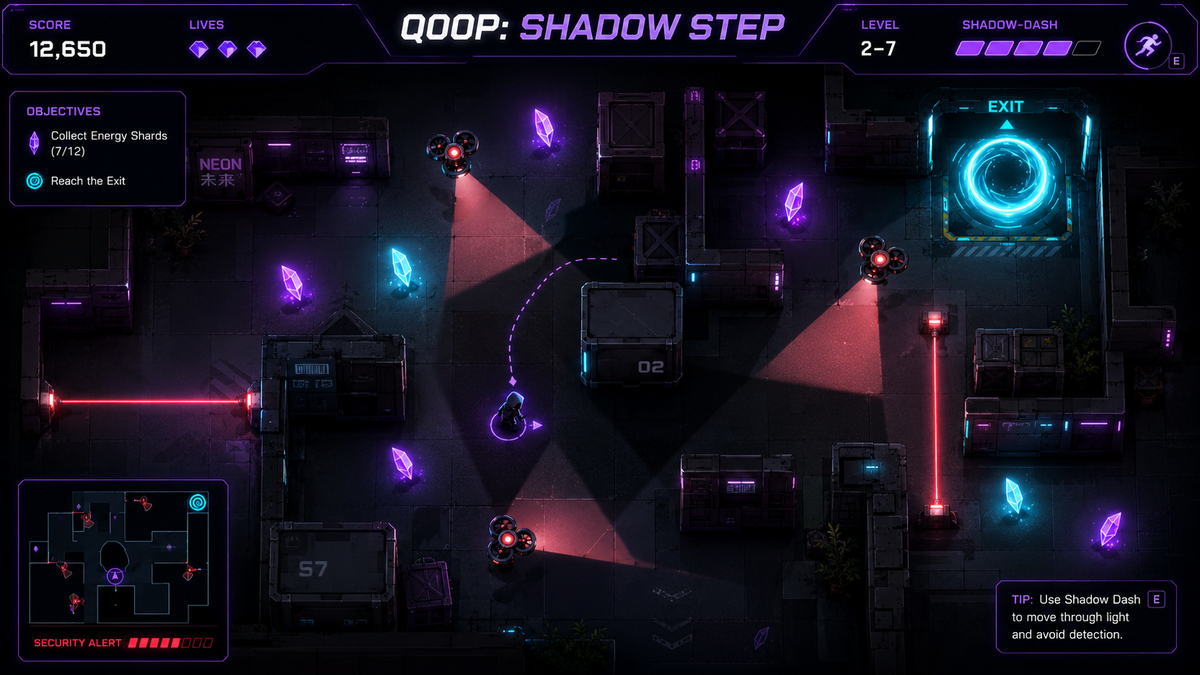
A keyboard gives repeatable directional input and keeps important actions under separate fingers. That can make a difference in lane-changing racers, grid strategy games, arena movement, platform timing, and puzzles where an accidental touch would select the wrong object. The games here state their keys on the public page instead of asking the player to discover them through trial and error.
Common layouts include arrow keys for movement, WASD as an alternative, Space or Enter for a primary action, and combinations that separate movement from firing or confirmation. A title may also support touch, but it appears in this collection because keyboard input is explicitly documented and can be used as a reliable desktop control method.
Prepare a comfortable desktop session
Click the player once before using keys so the browser knows the game should receive the input. Keep the page at a normal zoom, use full screen only after the game has loaded, and close shortcuts or browser tools that might intercept the same keys. On compact keyboards, check whether arrow keys share another function layer.
Use relaxed, short presses rather than holding every direction. In a grid game, one deliberate press should equal one move. In a racing game, small corrections usually preserve a safer line. In an action game, separating the movement hand from the action key reduces the chance of pressing both at the wrong moment.
A collection based on published controls
This page is not a generic list copied from category labels. Q00P checks the Controls text of every published game and includes titles that mention supported keyboard input. Open any result to see the exact key mapping, the game objective, practical tips, and the reviewed package and rights information before launching the restricted player.