Mobile browser games work best when the controls are clear before the player launches them. Q00P currently has more than twenty published games whose control notes document taps, touch buttons, virtual joysticks, swipes, or other direct touch input.
This guide highlights a smaller group that shows the different ways browser games can work on a phone or tablet. Inclusion here is based on the published control instructions for each game. It does not claim certification on every Android or iPhone model.
What makes a browser game touch-friendly?
A game loading in a mobile browser does not automatically make it comfortable to play on a touchscreen. The important question is whether the main actions can actually be performed without depending on a physical keyboard.
On Q00P, the touch-friendly collection is generated from documented controls. Games can qualify through direct taps, virtual direction buttons, an on-screen action button, a virtual joystick, or another control method described on the public game page.
That means the safest approach is to check the Controls section before launching. Some games work naturally in portrait mode, while larger strategy games and RPGs may be easier in landscape.
12 touch-friendly browser games to try
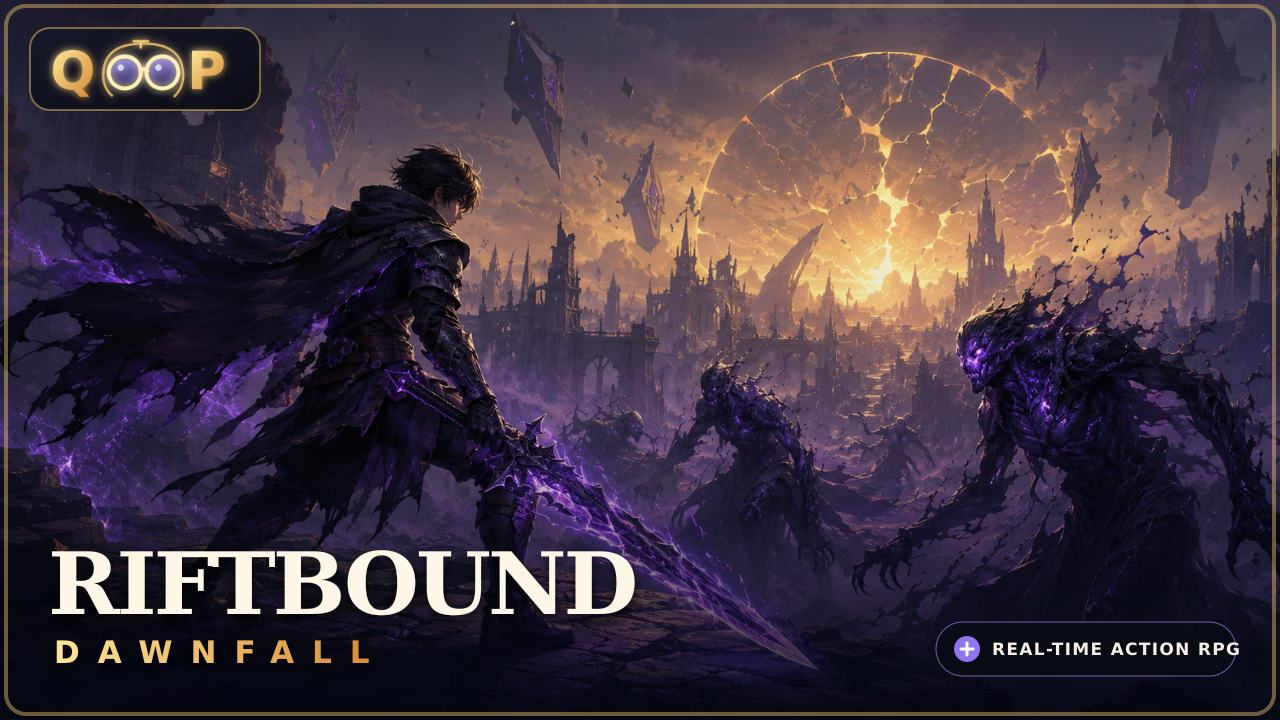
Riftbound: Dawnfall
Riftbound: Dawnfall is the largest campaign-style example in this group. On mobile, movement can be handled with a virtual joystick or by tapping the ground. Attacks, abilities, potions, inventory, and pause controls all have touch-accessible interface actions.
It is a useful choice when you want a longer browser RPG rather than a short score challenge. The game also supports checkpoints, autosave, and manual save slots, so the campaign does not need to be completed in one session.
Moonforge Colony
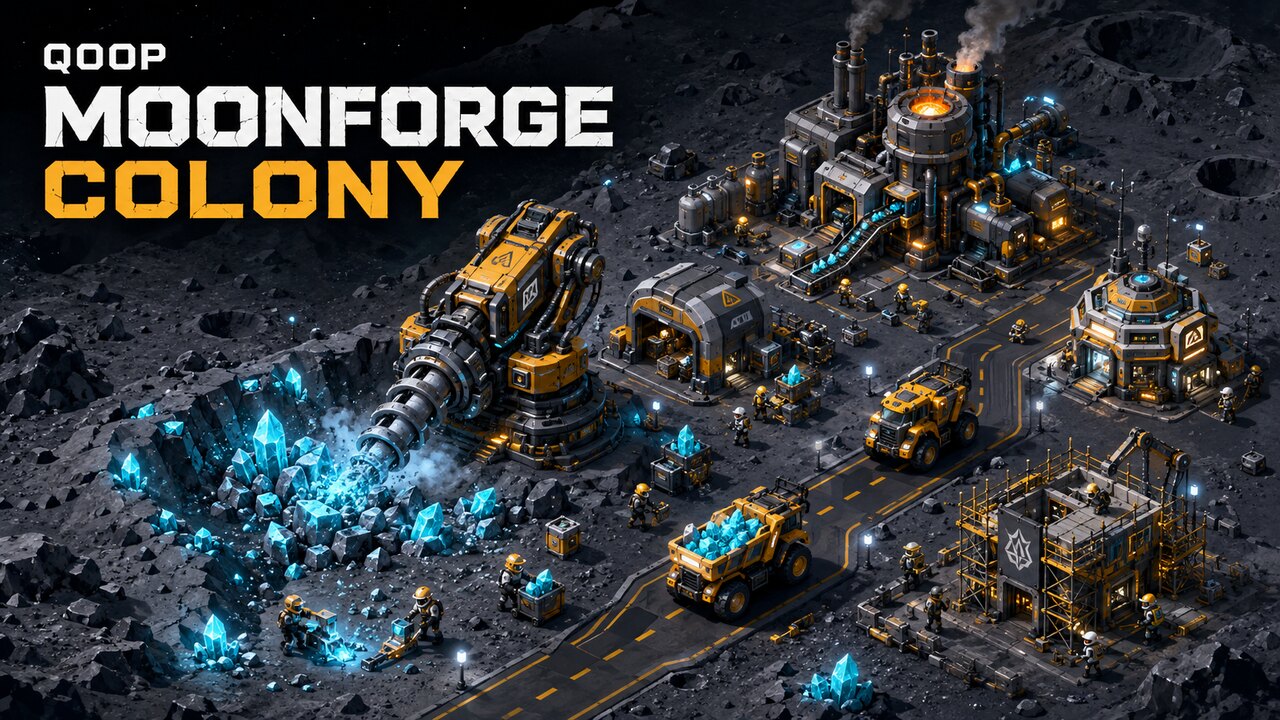
Moonforge Colony is designed around a landscape smartphone interface. Buildings, workers, and vehicles can be selected by tapping, while the map can be moved by dragging or swiping. Pinch gestures control zoom and interface buttons handle construction, workers, vehicles, upgrades, simulation speed, and pause.
This makes it a good example of a management game where touch input is part of the interface instead of an afterthought.
Neon Dominion
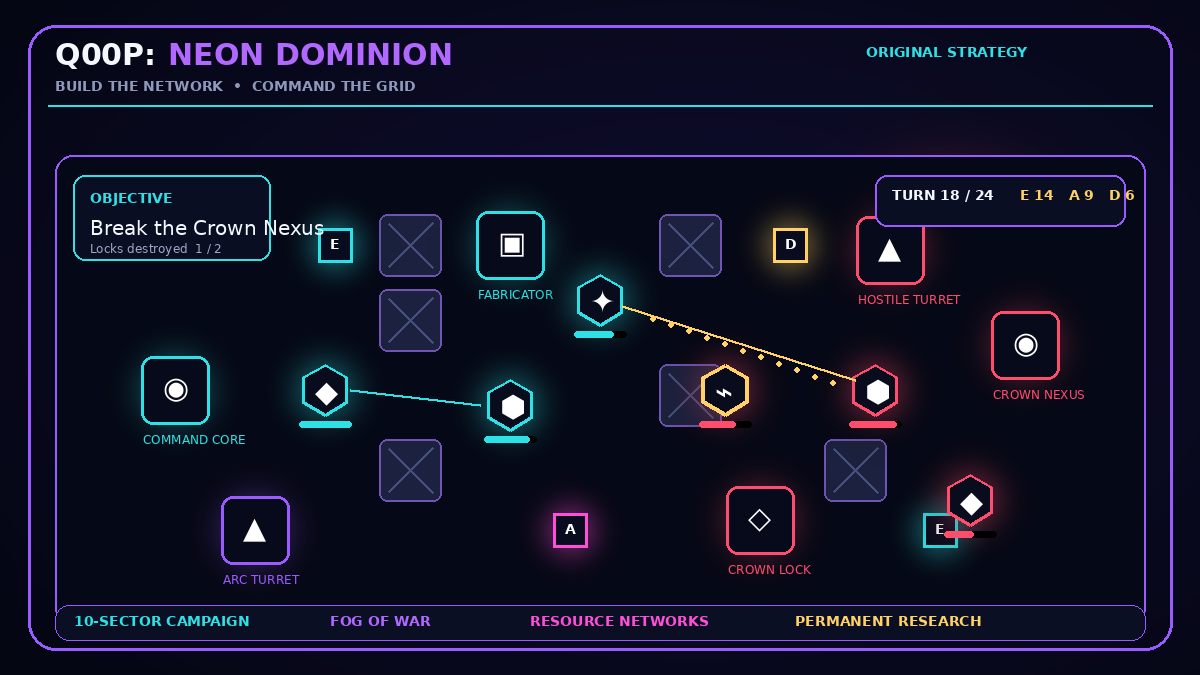
Neon Dominion uses direct selection for its turn-based strategy layer. Tap a friendly unit, then select a highlighted destination or hostile target. Dragging pans the battlefield, while visible interface buttons handle commands, structures, protocols, and ending the turn.
Because the game is tactical rather than reflex-driven, touch players have time to read the battlefield before committing to an action.
Nox's Night Run
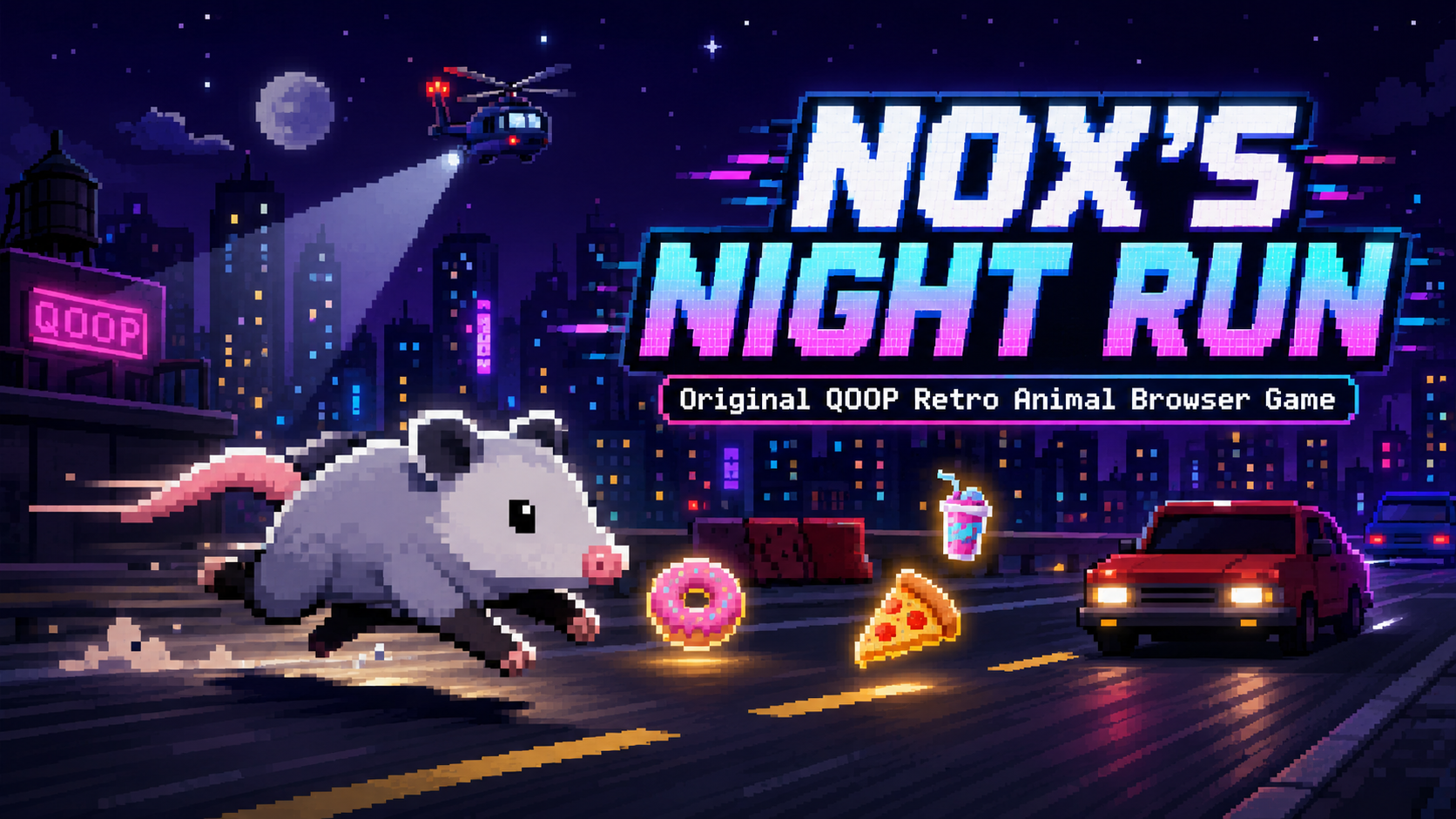
Nox's Night Run provides on-screen directional and action buttons for mobile play. Its runner structure makes the control scheme easy to understand quickly while still requiring timing as the levels become more demanding.
This is a stronger fit for shorter sessions than the larger RPG and strategy games above.
Shadow Step
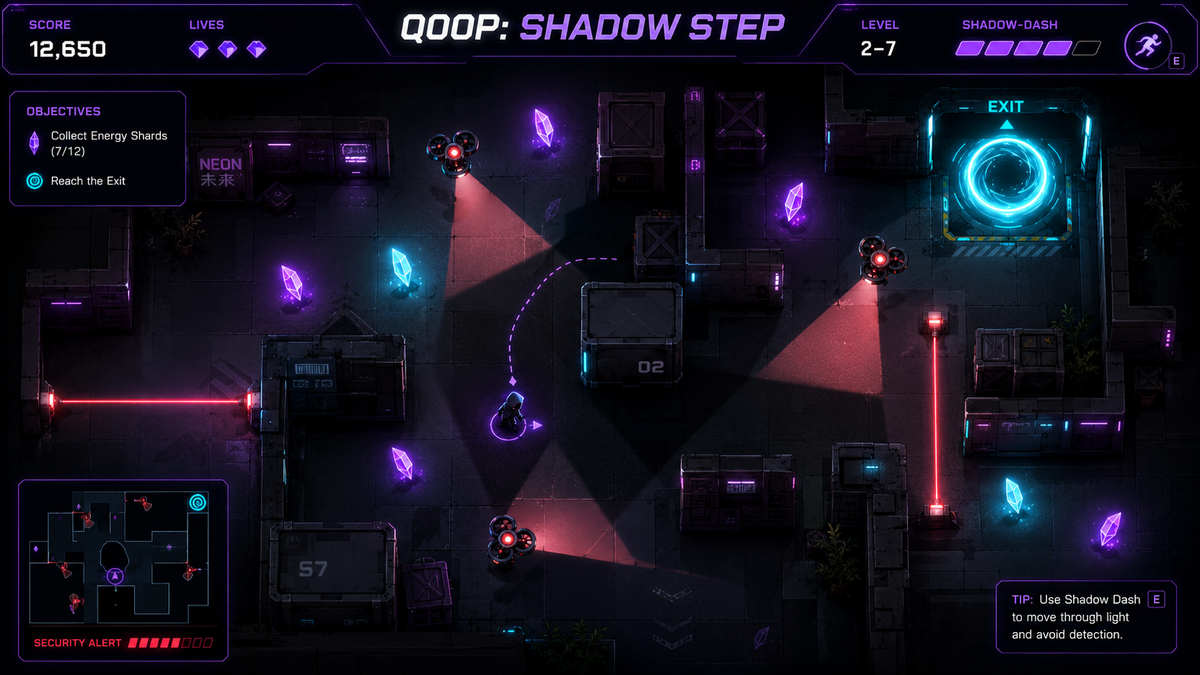
Shadow Step replaces desktop movement keys with a virtual joystick and provides a dedicated DASH button. The result is a control scheme that maps the important movement and escape actions directly onto the screen.
It is a useful choice for players who prefer continuous movement rather than tapping individual targets.
Pixel Rally
Pixel Rally keeps touch input deliberately small. The player changes lanes by pressing the corresponding touch arrow. Desktop players can use Left and Right or A and D, but the core racing action does not require a keyboard.
Memory Flip
Memory Flip is one of the simplest touch examples in the catalog. Tap a face-down card to reveal it, then select another card to test the pair. Direct selection means there is almost no control-learning barrier before the puzzle begins.
Goal Grid
Goal Grid also uses direct targeting. Players tap or click a visible target instead of steering a character with keyboard movement. That makes the physical control requirement small while leaving the challenge in timing and accuracy.
Number Merge
Number Merge supports four on-screen direction buttons as the touch alternative to arrow keys or WASD. It is a good fit for players who prefer deliberate grid movement and do not need continuous motion.
River Dash
River Dash gives touch players four direction buttons corresponding to the desktop movement keys. The control pattern is familiar and makes the game usable without requiring an attached keyboard.
Tiny Tactics
Tiny Tactics uses one grid move at a time. Touch players use the visible direction buttons, which suits the game's slower tactical pace and reduces the risk of accidental repeated movement.
Crystal Connect
Crystal Connect uses direct taps on neighboring crystals. A chain is built by selecting matching crystals one by one, so the board itself becomes the primary control surface.
Choose by control style
- Virtual joystick: Riftbound: Dawnfall and Shadow Step.
- Direct tap or target selection: Neon Dominion, Memory Flip, Goal Grid, and Crystal Connect.
- On-screen directional buttons: Nox's Night Run, Pixel Rally, Number Merge, River Dash, and Tiny Tactics.
- Drag, swipe, and pinch interface: Moonforge Colony.
- Dedicated action buttons: several Q00P arcade titles including Neon Hop, Hoop Timing, and Stack Sprint.
Before playing on a phone or tablet
Check whether the game's own instructions recommend landscape orientation. A larger strategy interface can be technically touch-friendly while still needing more horizontal space than a small portrait screen provides.
Keep browser zoom at its normal level unless the game specifically requires something different. Browser panels, accessibility overlays, or gesture navigation can cover controls near the edge of the screen.
For games with virtual buttons, short deliberate presses are usually easier to control than holding a direction unnecessarily. For direct-selection puzzles and strategy games, pause briefly before the next tap so that the intended tile, unit, or target is clear.
More touch-friendly games on Q00P
The touch-friendly catalog also includes Color Lock, Neon Hop, Code Breaker, Comet Catcher, Hoop Timing, Orbit Shift, Pulse Pong, Stack Sprint, Maze Signal, and other published games whose control notes describe touchscreen-compatible input.
The collection changes with the catalog. If a game's documented controls change, its eligibility can change as well. The individual game page remains the source for the exact controls, objective, tips, and launch instructions.
Mobile browser games without installing an app
The main advantage of this format is convenience: the game opens from a browser page and does not require a traditional app installation. Control quality still matters, which is why Q00P exposes the instructions before the player starts.
Use the examples above to choose between a short arcade session, a puzzle, a racing game, a tactical strategy game, a colony simulator, or a longer action RPG. The best option is the one whose control style matches both the device and the type of session you want to play.